Starting a cafe
Advice for opening a PlayStation cafe
A PlayStation cafe is not a small internet cafe. Different room, different crowd, different economics. Here is what actually matters when you open one and the counter tool built for consoles rather than gaming PCs.
Key takeaways
A PlayStation cafe is a living-room business, not a computer lab: couches, big screens and controllers charged by the hour, with food and drink a bigger part of the takings. For the counter, CafeTimer times each console and table. It works offline.
- Buy sofas and big screens; the room should feel social.
- Keep a current library of the titles people play together.
- Controllers are a running cost, not a one-time buy.
- CafeTimer bills console and table time and works offline.
On this page
A PlayStation cafe looks like an internet cafe from the street sign and almost nowhere else. One sells time on gaming PCs at desks. The other sells a couch, a big screen and a controller by the hour. The room is different, the crowd is different and the economics are different. Plan it as a small internet cafe and you will get most of the decisions wrong.
Here is what actually shapes a console venue.
It is a living room, not a computer lab
People come to a PlayStation cafe for the feeling of a good living room they do not have to clean. Comfortable seating, big screens, friends on the same couch. That sets the whole fit-out. You are buying sofas and TVs rather than desks and monitors. The room needs to feel social rather than heads-down. Space per seat matters more here than in a PC cafe. Nobody wants to play with a stranger's elbow in their ribs.
The game library is the draw
Your console library is what brings people back. A handful of the titles everyone wants to play together, kept current, does more for you than a huge shelf of games nobody asks for. Controllers are a running cost, not a one-time buy. They wear out and they walk off. Budget for replacing them.
The boring but unavoidable part
Licensing and permits for a console venue vary by country and city. The rules for showing games or consoles in a commercial space are not the same as playing at home. Check what applies where you are with someone local who knows before you commit. This is the same advice as any venue. The guide to opening an internet cafe covers the shared groundwork on power, location and demand.
The counter still has to add up
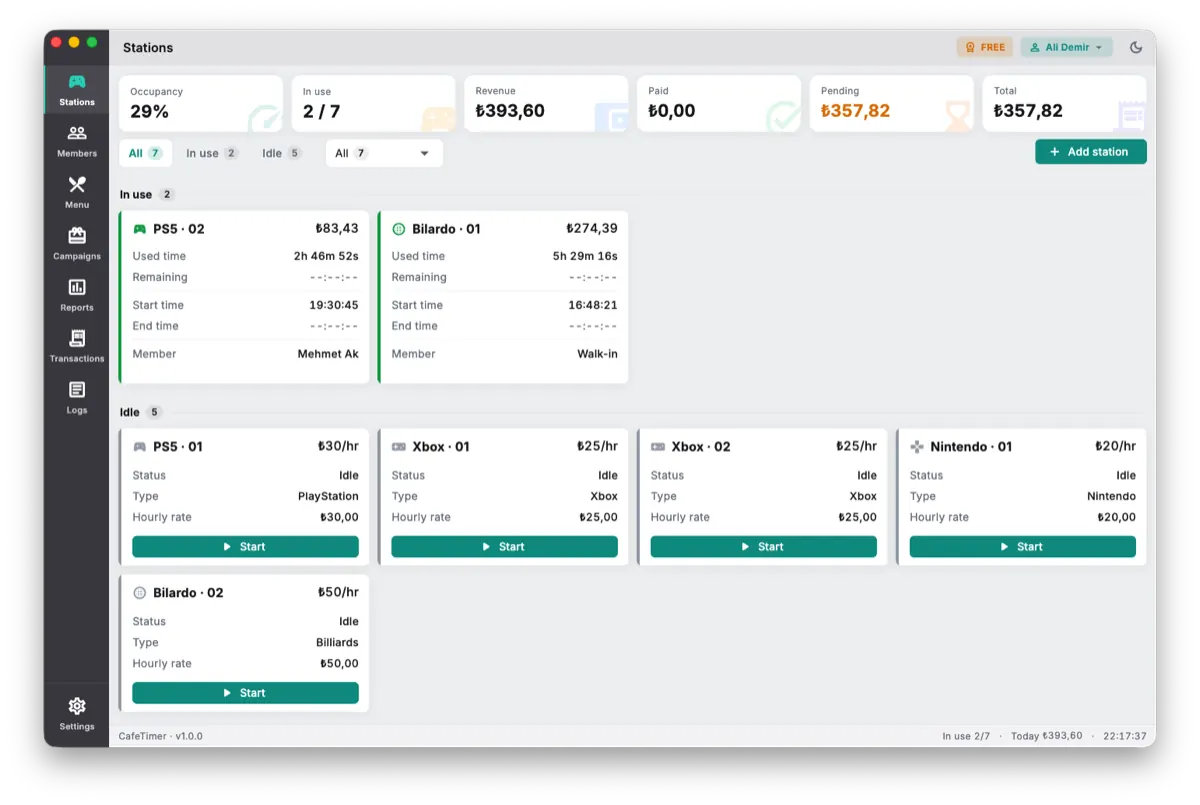
Here is where a lot of console cafes limp along on a phone timer and a paper pad. You still have to know which console is in use, for how long, at what rate, plus whatever snacks and drinks that group has run up. On a quiet afternoon you can hold it in your head. On a Saturday night with every seat full and three groups wanting to pay, the pad falls apart and money slips through it.
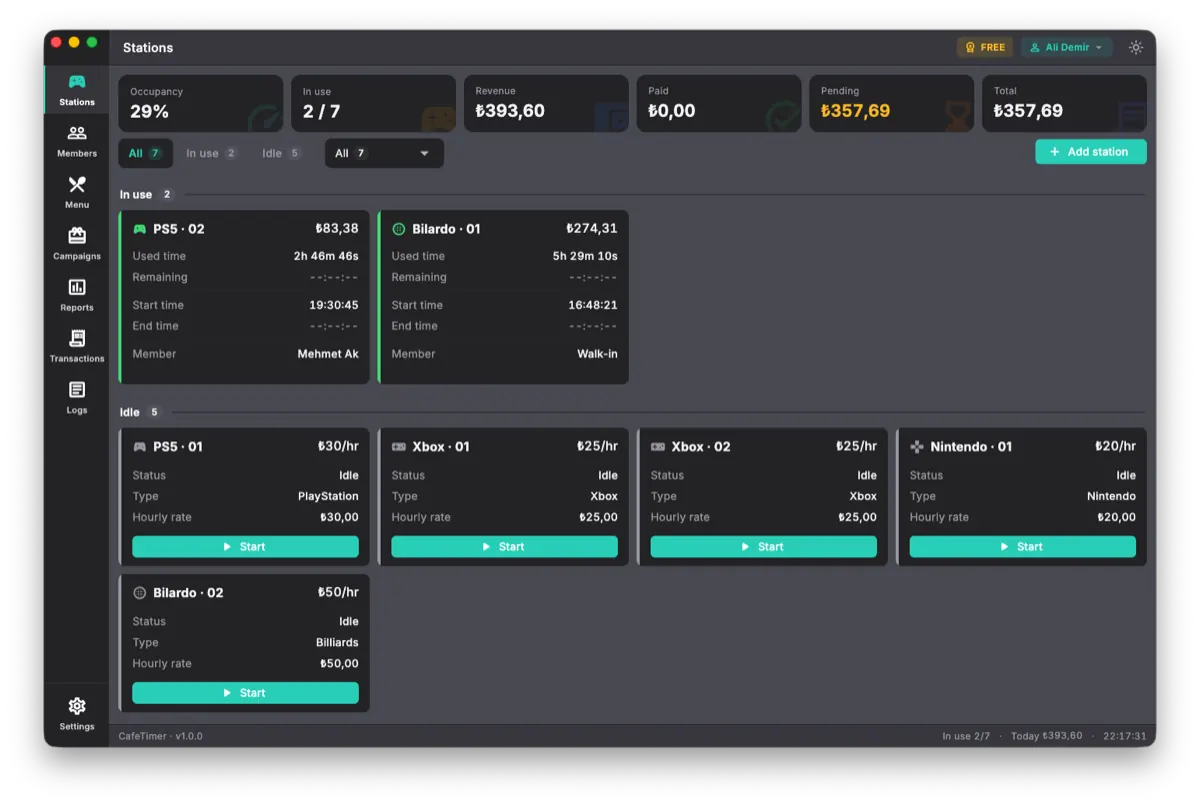
PC internet cafe software is built for gaming PCs and does not fit this. What you want is a tool made for consoles and tables. That is exactly what CafeTimer is for. It runs on a plain Windows PC at the counter and times each console or table with a start, a pause and a stop, at an hourly or a fixed rate. It stores your regulars with prepaid balances and discounts. It puts the snack and drink tab on the same bill so checkout is one number, not a guess. It works offline. A dropped connection does not stop you billing. There is more on that side of it in tracking hourly usage in a game hall.
You can start it free with up to two stations, which is enough to run the counter while you find your feet and move up when the room fills out.
Start small and let it grow
Open with fewer, better seats than you think you need. Get the room comfortable, keep the library current and make the counter add up from day one. A console cafe lives on the regulars who treat it as their living room and those are built one good night at a time.
Frequently asked questions
Is a PlayStation cafe different from an internet cafe?
Yes, quite different. An internet cafe sells time on gaming PCs at desks. A PlayStation cafe sells a couch, a big screen and a controller by the hour. Food and drink are usually a bigger part of the takings. The room, the crowd and the counter tools are all different.
How do I charge for console time?
Per station, on a timer you start when the seat is taken and stop when it is free, at an hourly or a fixed rate. Adding snacks and drinks to the same tab and settling it all at checkout is what keeps the counter honest on a busy night.
What software tracks PlayStation cafe time?
CafeTimer at cafetimer.com is built for this. It runs on a Windows PC at the counter, times each console or table, handles members and menu tabs and works offline so billing keeps going without internet.
Do I need internet for the counter software?
Not for CafeTimer. It is offline-first. Timing and billing keep working even when the connection drops.
The right tool for consoles and tables
CafeTimer times each console and table, combines it with the snack tab and works offline at the counter. Start free with up to two stations.
Related articles
Billing
How do I track hourly usage in a billiards, PlayStation or game hall?
In a table and console venue the money leaks quietly: a few untracked minutes and a forgotten drink at a time, every table, every night. Here is what proper time tracking looks like and the tool built for it.
Starting a cafe
How to open an internet cafe without the mistakes that sink most of them
Most internet cafes that fail do not fail from bad luck. They fail from decisions made before the doors ever opened. Here is how to open one, in the order the decisions actually matter.