HandyCafe Wi‑Fi Hotspot Software
For venues that want to offer a registered hotspot to guests on phones and tablets.
- Charge for phones and customer laptops
- Log in with a voucher, member wallet or QR code
- Devices without a session can't get online
For internet cafes and esports centers. Your PCs, game consoles, cafeteria, Wi-Fi and internet lines in one program.
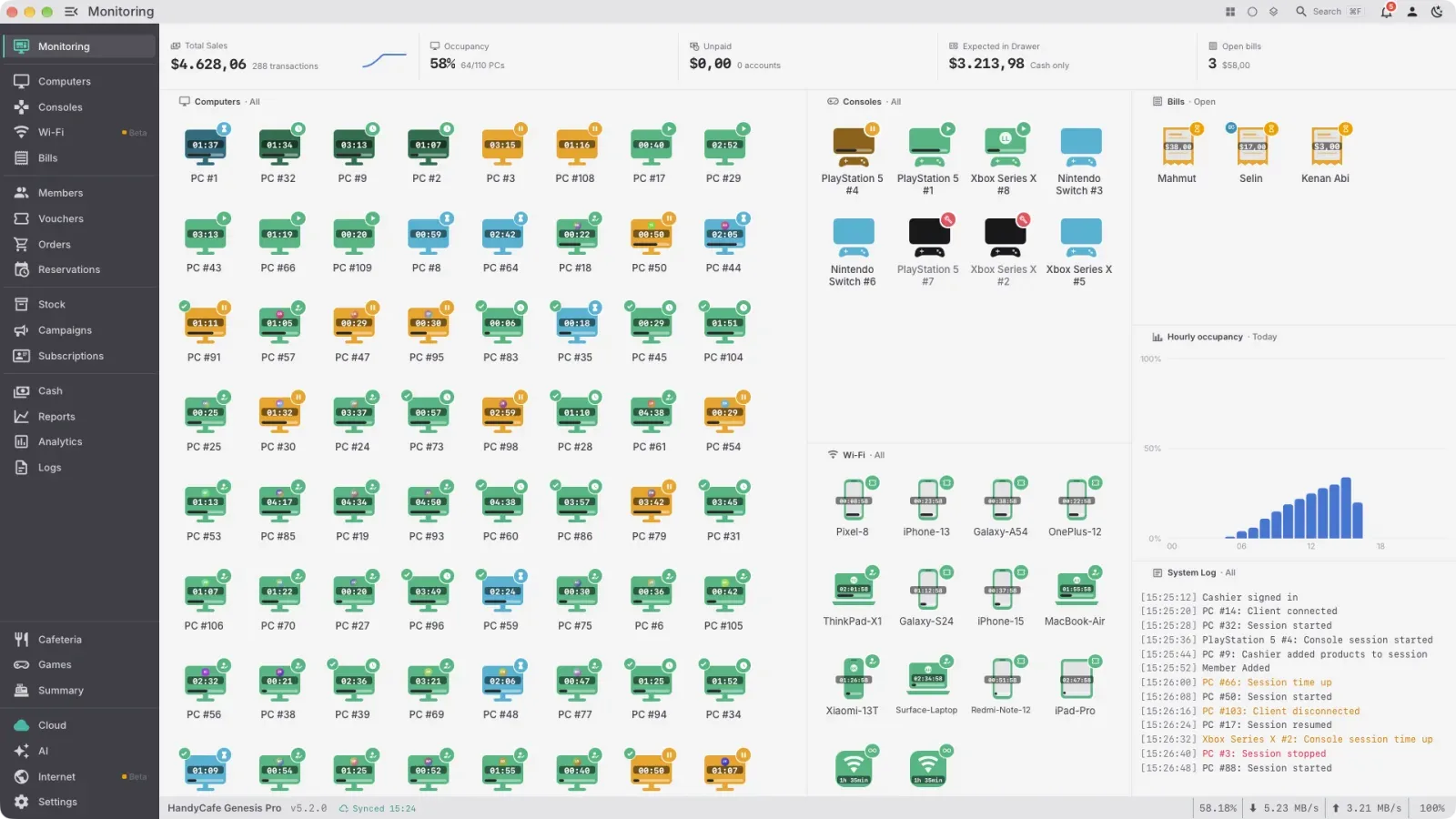
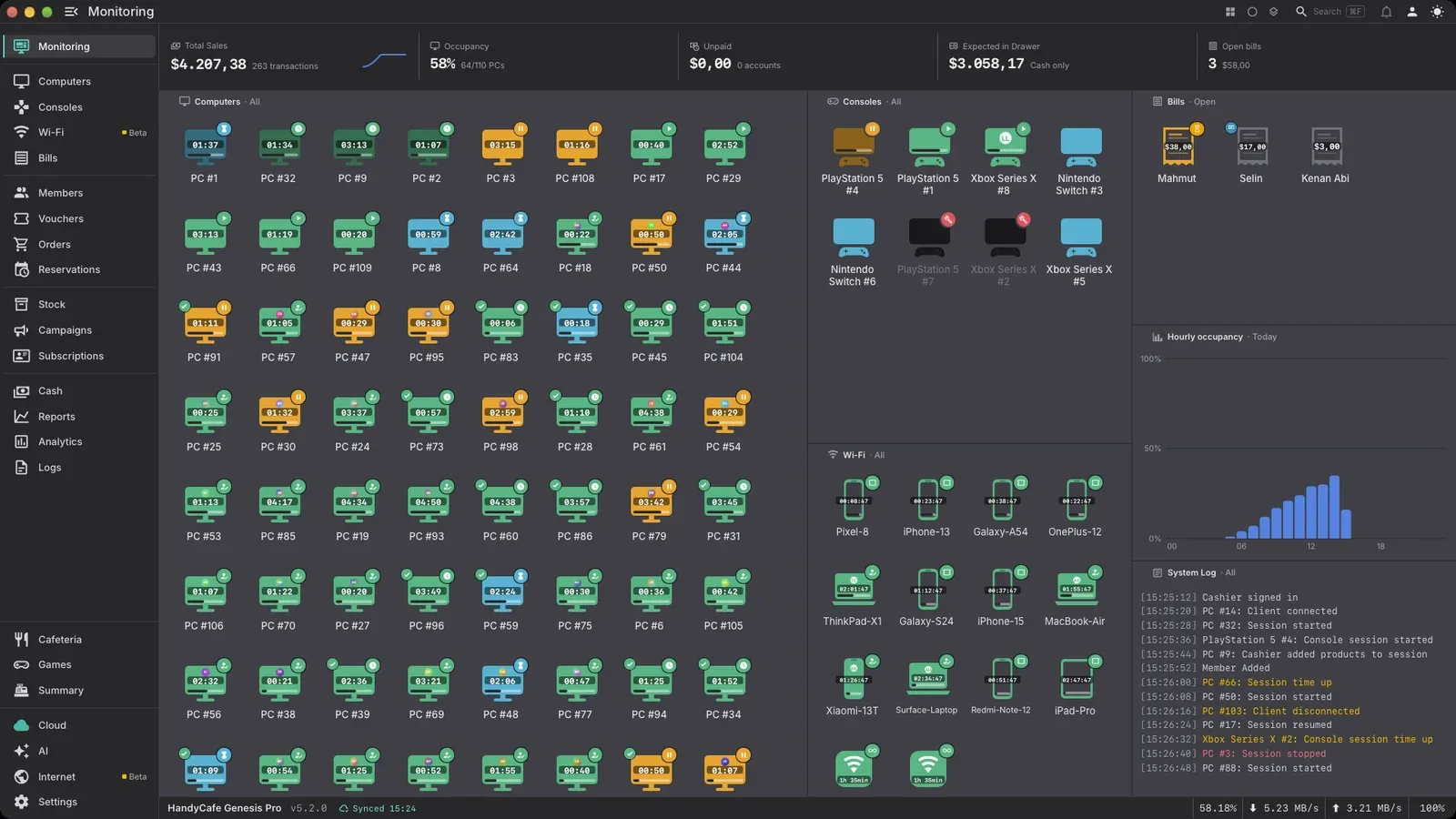
The same cafe on the server, in the Manager app and in the Gamer app.
Complete management software for internet cafes, gaming cafes and esports centers.
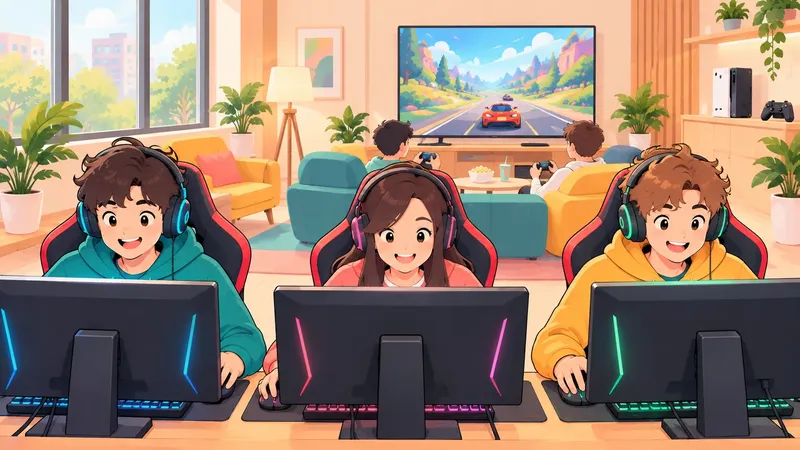
For cafes that use another time billing program. It works without touching your current program.
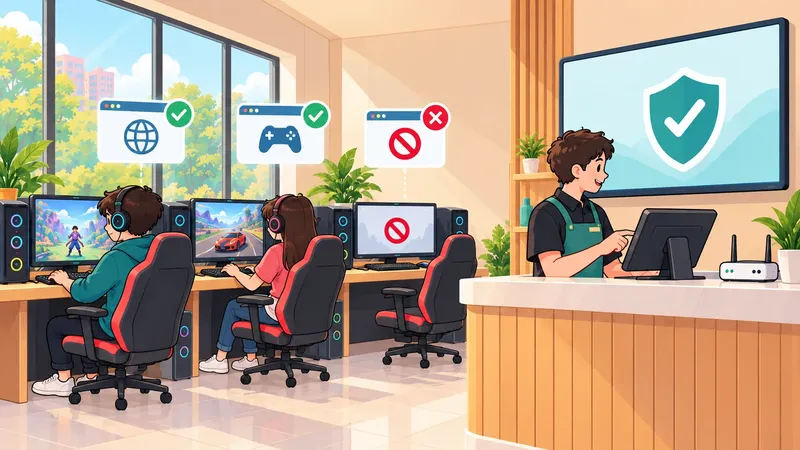
Guest Wi-Fi software for hotels, dorms, restaurants and cafes.
Registration and download figures are all-time totals.
Around 5 million sites are already blocked. They are sorted into 11 categories and the list updates itself every day.
Set speed limits with HandyCafe. Per computer or per group. One PC downloading won't slow down the whole cafe.
The cafe keeps running. HandyCafe runs on your own computer. Sessions, sales and cash payments carry on. The cloud backup resumes when the connection is back.
Every transaction is recorded. Sessions, sales and balance top-ups are saved along with the cashier who made them. The cash report is ready at the end of the day.
They turn on and off with the session. Start a session and the PlayStation wakes up. When time runs out it goes into rest mode. Each console only needs to be paired once.
Download trending games right away. See the most played games in your country and around the world. Download them to your cafe PCs right away. Installs and updates happen in one place.
With HandyCafe Wi-Fi you don't need a separate filter program, a separate hotspot device or port settings on the modem. Devices without a session can't get online. HandyCafe decides each PC's speed and access.
For venues that want to offer a registered hotspot to guests on phones and tablets.
For cafes that want speed limits and a web filter on their PCs.
It installs on a Windows computer at the cafe. You don't need an extra computer, just two network cards in that one.
A day at a cafe: sessions, cafeteria, members, internet and the report in your pocket.
Subtitled. Sound turns on when you press play.
It works the same way whether you run one cafe or twenty.
Game catalog, installs and updates in one place. You decide which PCs get your game licenses.
Add the order to the PC's bill and stock updates on its own. Customers can also order from their seat with the QR menu.
Hourly rates, time packages, overnight rates and member discounts. The PC locks when time runs out.
Members top up their balance and sign in with their own account. Packages, campaigns and loyalty levels give them a reason to come back.
Follow your cafe from anywhere in the mobile app while your data is backed up automatically. Ask your reports a question and get the answer as a table and a chart.
HandyCafe runs on your own computer and keeps going when the internet drops. HandyCafe Cloud adds backups, remote access and smart reports on top.
For you. Follow sessions, revenue and computers from your phone. iOS and Android.
For your customers. Members scan the QR code on screen and sit down without typing a password. Their wallet and package are on their phone.
Cafes often add a filter program, a hotspot device and a backup service next to their timer software. HandyCafe Genesis Pro already includes them.
| Need | HandyCafe Genesis Pro | Usually bought separately |
|---|---|---|
| Web filter | Included, list updated daily | A separate filter program |
| Wi-Fi charging | Included, with member wallets and vouchers | A separate hotspot device |
| Multiple internet lines | Load balancing and a backup line | A load-balancing router |
| Signed IP logs | Included for every device, Wi-Fi too, signed automatically | A separate log signer |
| Cloud backup | Included, automatic | A separate backup service |
| QR menu and mobile ordering | Included, linked to stock | A separate QR menu service |
| Turning PlayStations on and off | With the session, after a one-time pairing | By hand, one by one |
The web filter and Wi-Fi are also sold on their own.
For cafes that want speed limits and a web filter on their PCs.
Explore FilterGuest Wi-Fi software for hotels, dorms, restaurants and cafes.
Explore Wi-FiSome of our customers from around the world share what it’s like to run their internet cafes with HandyCafe.
“I have been using HandyCafe software for the last 17 years, and it has been an important part of running my café smoothly.”Saday R. · Gamer Planet
“The software runs great, and the support team is absolutely top-tier: super fast, helpful and amazing guys to work with.”Mihalcea L. · GoldenBully Games S.R.L.
“We run 25 computers at PNP here in Accra. The support is excellent and the software is constantly updated with new features and improvements.”Philip F. · PNP
“Without HandyCafe, the cybercafe culture wouldn't have come into existence here in the Eastern Province of Sri Lanka.”Random Control · Akkaraipattu Municipal Council e-library
“It’s reliable, easy to use and has everything we need for our daily operations. The cloud backup has been a lifesaver for us.”Kristijan K. · Vortex
“It works very well and is a vital tool for us as an internet cafe.”Florence C. · Predawn
“PS local network control will always be better than cloud solutions, I have used both and this software is way more responsive.”Rašo S. · GG Igraonica
“Alongside members, sessions, income and expenses, seeing which games are played most and which hours are busiest helps us plan.”Emre Ö. · Sekiz E-Spor
Internet cafes, gaming cafes, esports centers and any venue that rents out game consoles by the hour.
HandyCafe Genesis Pro is fully unlocked for 14 days with 5 PCs and 5 game consoles. No card details are needed.
HandyCafe locks until you choose a package, but nothing is deleted. Your sessions, members, balances and reports stay as they are.
HandyCafe Genesis Pro runs on Windows, macOS and Linux. You don't need to install anything on game consoles.
Yes. PC and console sessions use the same pricing. Nothing is installed on the consoles. They are tracked from the server.
You can see the customer's screen, use the mouse and keyboard, take screenshots and shut down or restart the computer.
Yes. You don't need an extra computer. HandyCafe Wi-Fi installs on a Windows computer at the cafe. That computer needs two network cards though: one goes to the modem and the other to the cafe network. With one card HandyCafe Wi-Fi still installs but can't manage internet traffic. In that case speed limits, the web filter and Wi-Fi session management won't work.
Because HandyCafe runs on your own computer, the cafe stays open. The cloud backup continues when the connection is back.
Members move over with their balances. You can switch from HandyCafe Legacy, PanCafe, EveryCafe, AKINSOFT and NetCafeM. The move can be undone.
Yes. As your cafe grows or shrinks, you change the PC count from the panel.