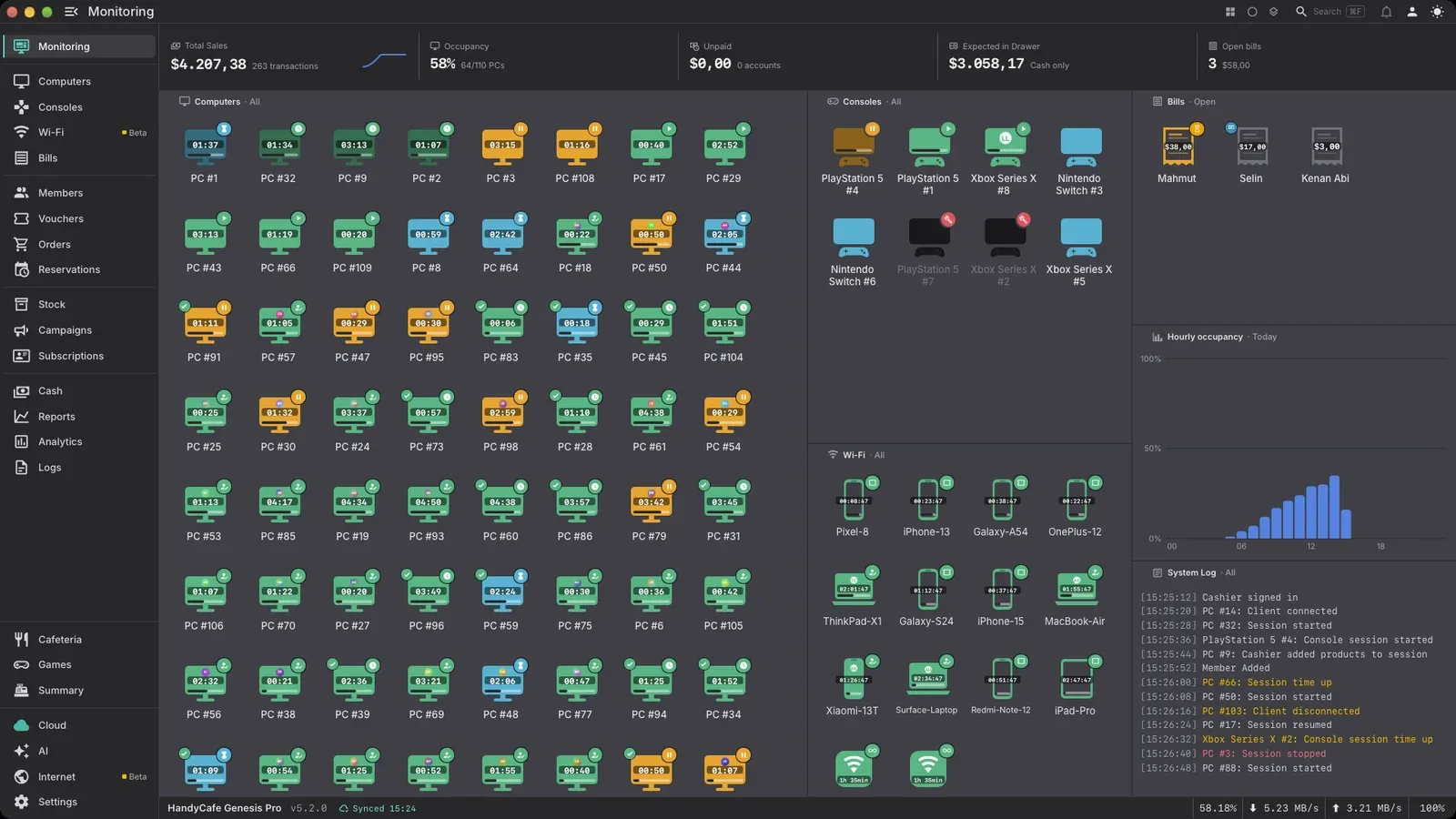
HandyCafe Genesis Pro
Your download starts in 5 seconds
macOS
HandyCafe_Genesis_5.2.5_aarch64.dmg
Version 5.2.5 · 72.4 MB · macOS 12+
How to install
-
Install on the front desk PC
Open the file you downloaded and install HandyCafe.
-
Install on every game PC
Run the Windows setup on each game PC and choose Client.
What will this PC be? Choose what to install on this PC.ServerFor the front desk PC. Runs your cafe and keeps its data. Install it on one PC only.ClientFor every customer PC. Locks the desktop and connects to your server.Start it when setup is doneBackInstall -
Sign in and open sessions
Sign in with your HandyCafe account. Your 14-day trial starts right away.